Make videos, podcasts and songs on your own computer.
Reelhouse turns a script into a finished short video with word-by-word captions, an explainer, a podcast episode, a voiceover, original music, a song or a whole audiobook. Pay once. No subscription, no sign-in, nothing uploaded.
For Windows 10 and 11, 64-bit. One payment, yours to keep.
One app for the whole production
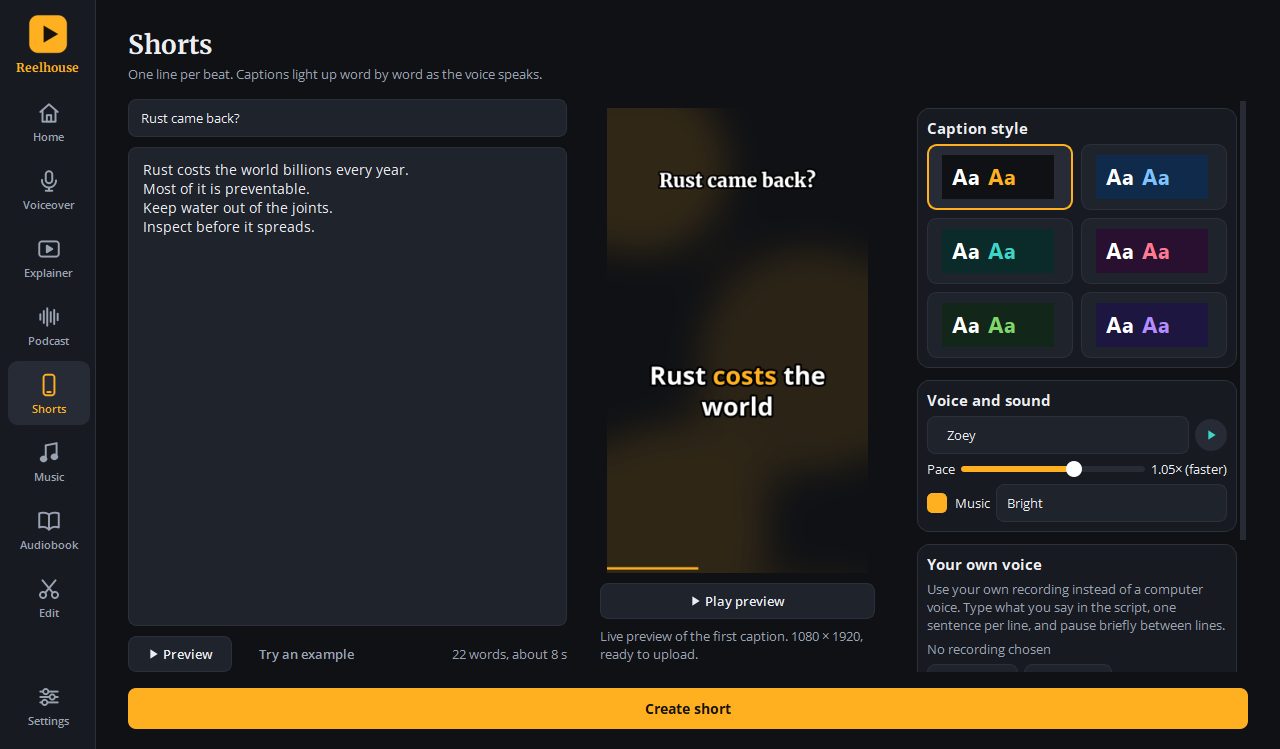
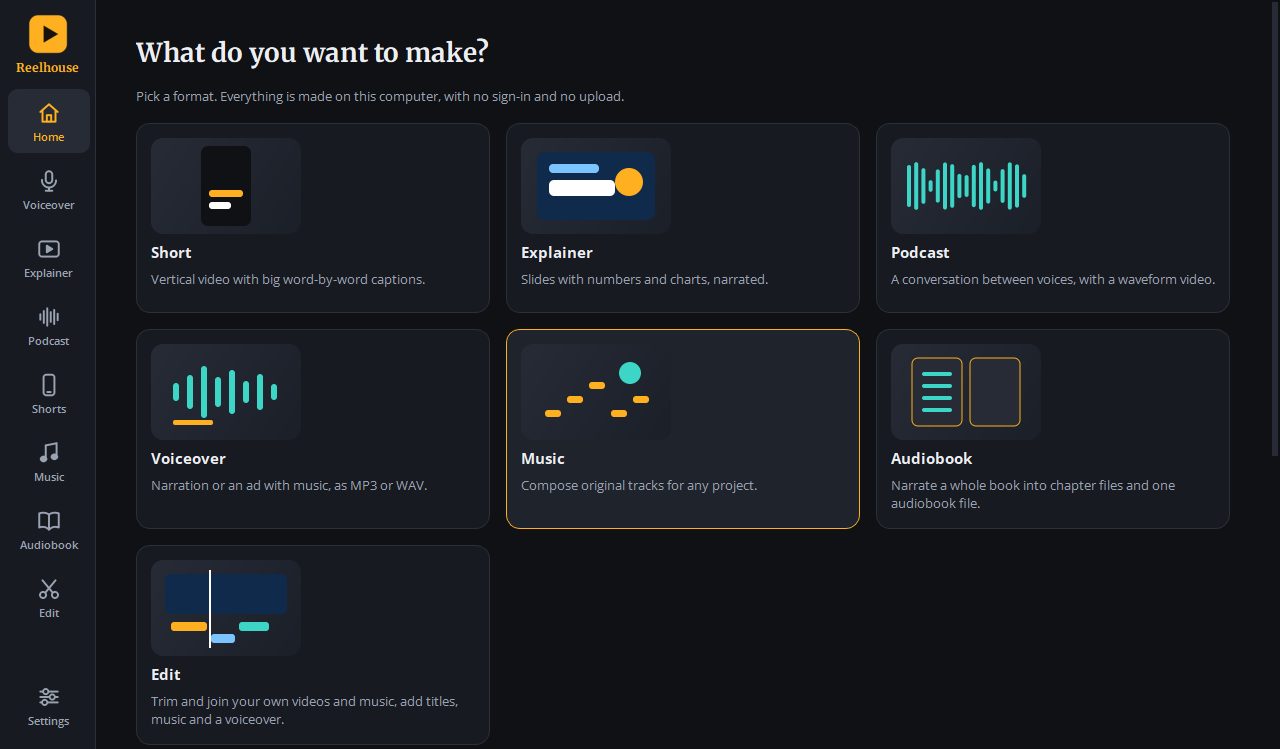
Pick a format on the home screen, write or paste your text, choose a voice and press Create. The file is saved where you tell it to.
Shorts
Vertical 1080 x 1920 videos with big captions that light up word by word. Made for YouTube Shorts, Reels and TikTok.
Explainers
Narrated slides with counting numbers, rings, bars and dot charts, exported as an MP4.
Podcasts
Write a conversation between named speakers. Each gets a voice, with natural pauses and quick replies. MP3, and an optional waveform video.
Voiceovers and ads
Narration for any script, with optional music under it, as MP3 or WAV.
Music
Compose original tracks from a mood and a few settings, or design your own style. Use them in every other tool.
Songs
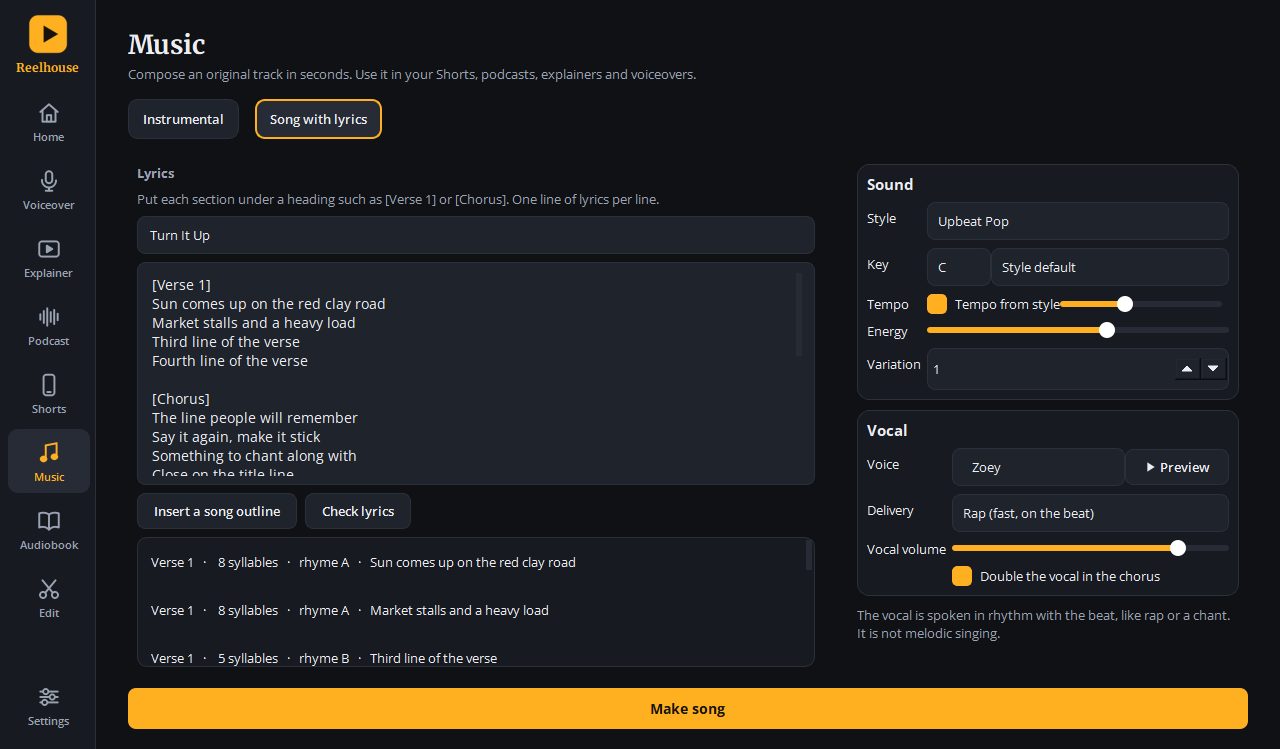
Write lyrics and get a rhythmic vocal, in rap, chant or spoken-word style, locked to a composed backing track.
Audiobooks
Import a .txt, .md, .docx or .epub book and narrate it into chapter files and one M4B with chapters. Stop and continue any time.
Edit
Trim and join your own clips, add music, titles and a voiceover, and reframe for vertical, square or widescreen.
Your own voice, in time with the picture
Record with a microphone inside Reelhouse, or bring a recording you already have. Reelhouse finds where you speak, matches each line of your script to it, and times the on-screen captions to your voice.
- Captions highlight word by word as you speak
- Optionally place every line on a beat of the music
- Works in Shorts, Edit and each slide of an Explainer
- Music lowers automatically while you talk
From script to file in three steps
- Write or paste
Type your script, one sentence per line, or press Try an example. - Choose the sound
Pick a voice from the Female, Male and Character groups, a pace, and music. - Press Create
Watch the progress, play the result, and save it to the folder you choose.
Private by design
Voices, music and video are all made on your computer. There is no account to create and your scripts and recordings are never uploaded. Reelhouse works without an internet connection once it is installed.
The music is composed by the app itself, so it carries no third-party licence. Reelhouse also saves each finished file once, in the folder you choose, without extra copies.
Music and songs you can use anywhere
Choose a style such as Upbeat Pop, Corporate, Lo-fi Chill, Cinematic, Energetic, Ambient or Suspense. Describe what you want in a sentence and Reelhouse sets the controls. Save tracks to My music and they appear in every tool.
Songs are performed as a rhythmic vocal, such as rap, chant or spoken word. They are not melodic singing.
Buy Reelhouse
- One payment, no subscription
- Licence key emailed to you straight after payment
- All eight tools included
- 14-day free trial if you want to try it first
- Pay by mobile money or card through Paystack
Questions before you buy? Write to hello@nimdeeglobal.com. See the refund policy.
Questions
What do I need to run it?
A Windows 10 or 11 computer, 64-bit. The installer is about 235 MB and the app takes about 700 MB on disk. Everything it needs is included, so there is nothing else to download. On Windows N editions, Microsoft's free Media Feature Pack is needed for video, and Reelhouse tells you if it is missing.
Do I need an internet connection?
Only to download the installer and to buy. Creating videos, podcasts, music, songs and audiobooks works offline.
Can I use what I make commercially?
Yes. The music is generated by the app and carries no third-party licence. The voices are synthetic, so follow the disclosure rules of the platform you publish on. The full list of open-source components is in the app under Settings.
How many computers can I use my key on?
Your licence is for you, for your own use on the computers you own. See the terms for details.
What if I lose my key?
Enter the email address you bought with on the support page and we will send the key again.
Is there a version for Mac, Android or iPhone?
Not yet. Reelhouse is for Windows today.